Let's build your perfect resume
Answer 4 quick questions to get your ideal template
Pick your accent color
We'll use this throughout your resume.
Which layout do you prefer?
Modern uses structured steps here. Live options open the on-page editor — classic, split sidebar, or GLA single-column ATS format.
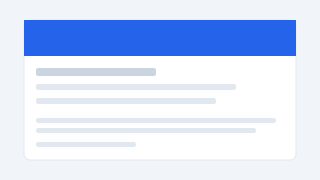
Modern
Guided steps, ATS-friendly layout
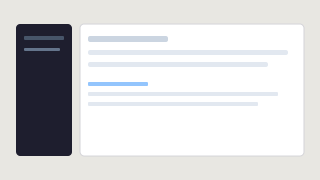
Live Editor
Edit on the page like a document
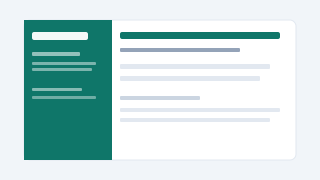
Live — Split
Teal sidebar + main content
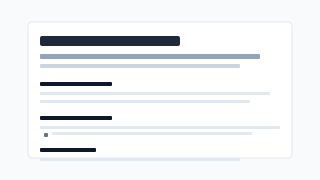
GLA Resume
Single column, dense ATS (GLA-style)
Include a photo?
Optional in most regions.
No Photo
Recommended for ATS
Include Photo
For creative/global roles
What field is this resume for?
We’ll preload role-relevant keywords, skills, and summary wording you can edit anytime.
Technology
Software, data, cloud, DevOps
Business
Strategy, ops, finance, PM
Marketing
Growth, content, brand, SEO
Design
Product, UX/UI, visual design